Rehoming Clive: Giving My AI Operator Room to Grow
November 8, 2026
Key points
- Migrated the existing macOS VM to a Samsung T7 Shield and recovered host free space from roughly 6.8 GiB to 158 GiB.
- Kept the existing UTM environment and working identity, with independent recovery copies and an 8 GiB RAM allocation.
- Tested native disk-image growth and Recovery relocation on a disposable APFS clone.
- Expanded the encrypted guest disk from 150 to 250 GiB; available space rose from 26 to 126 GiB.
- Verified filesystem and OpenClaw service checks, with reboot, booted-restore and deeper business-control checks still separate.
Clive needed a bigger home. My Mac mini’s internal SSD was down to 6.8 GiB free, and macOS had already warned me it was out of application memory. Having an AI operator is great. Having one who takes up most of the house requires a conversation.
Clive is my OpenClaw-based AI operator for Home Based Daddy. His working environment runs inside a macOS virtual machine in UTM on my M4 Mac mini. Over time, that environment has accumulated configuration, memory files, workspace history and scheduled work. I wanted to keep all of it, not start over with a fresh installation and hope I remembered what mattered.
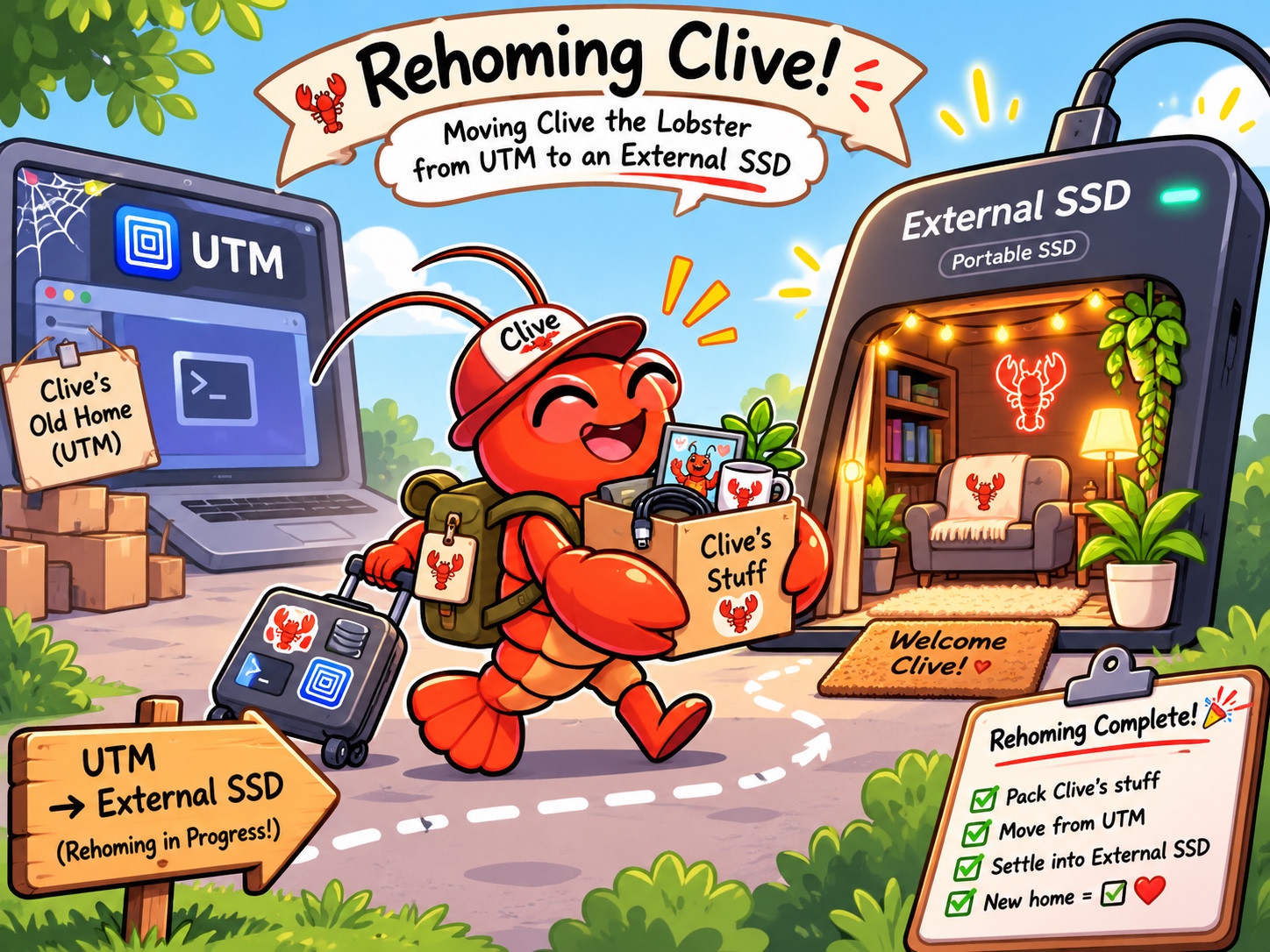
So this became two connected projects: move his existing virtual machine onto a Samsung external SSD, then expand the disk inside it. The cartoon version is a lobster moving house. The technical version involves backups, partition maps and one particularly stubborn encrypted filesystem.
One clarification before we get into it: Clive still runs in UTM. The move was from the Mac mini’s internal storage to an external SSD, not from one virtualization platform to another.
First, give the Mac mini some breathing room
The host is an M4 Mac mini with 16 GB of unified memory and a 256 GB internal SSD. Clive’s virtual machine occupied roughly 147 GB of that storage. His RAM allocation was about 12 GB, which also left the host, Safari and swap with less room than I wanted.
I already had a VM backup on a 1 TB Porsche external hard drive. That was useful for recovery, but I didn’t want the active macOS machine, with its databases and constant little reads and writes, living on a slower mechanical drive.
Before buying anything, we checked whether cleanup could solve the problem. We measured the VM’s actual allocation, inspected the guest’s storage and sampled the disk image for zero-filled blocks. Only about 0.3% of the sampled blocks were zero. With FileVault enabled as well, there wasn’t much evidence that a straightforward sparse conversion would give us the space we needed. Clearing caches wasn’t going to make a 147 GB VM disappear either.
I chose a Samsung T7 Shield SSD for the active machine and kept the Porsche drive for independent recovery copies. It was a way to give Clive dedicated storage without replacing a Mac that otherwise did what I needed.
Move the whole environment, not just the files I remembered
This was an existing operator, not a disposable test machine. The migration had to preserve the macOS identity, OpenClaw configuration, authentication, memory files, HBD workspace and scheduled tasks.
We identified the active VM, shut it down cleanly, copied the complete UTM package to the Samsung and validated the copy. The independent backup stayed on the Porsche drive.
The most important rule was simple: don’t run the original and the copy at the same time. Two machines with the same identities and scheduled work could create conflicting activity or duplicate outbound actions. I wanted more room, not a surprise second employee sending the same emails.
After the Samsung-hosted machine booted, we checked its gateway, messaging channels, workspace and scheduled operations. Only then did we retire the original internal copy.
The Mac mini went from roughly 6.8 GiB free to 158 GiB free. We also reduced Clive’s RAM allocation to 8 GiB, leaving more room for the host. That was a separate configuration change; an external SSD doesn’t add RAM.
I thought we were finished with disk space.
We weren’t.
A bigger home doesn’t automatically mean a bigger room
A few days later, Clive’s heartbeat warned that his macOS Data volume had less than 20 GiB available. The Samsung was a 1 TB drive. How was he cramped already?
Because the disk inside the virtual machine was still 150 GiB. Moving the VM had changed where its files lived, not how much storage the guest believed it had.
Keeping that disk unchanged during the migration had been deliberate. It let us change one thing at a time. Now it needed its own capacity upgrade: 150 GiB to 250 GiB, without reinstalling macOS or losing FileVault and Recovery.
There were several layers between the physical SSD and usable space: UTM’s Apple Virtualization environment, an Apple Sparse Image Format (ASIF) disk image, a GUID partition table and the APFS filesystem. Making the outside bigger wouldn’t necessarily enlarge the inside.
And there was a Recovery partition sitting directly behind the main APFS partition, right where the extra space needed to go.
Make sure it’s the right Clive
The first preflight found two UTM registrations with the same macOS display name: one active, one stopped and left over from earlier work. The package metadata also contained an older identifier.
That is not the moment to pick the familiar-looking name and hope.
We cross-checked UTM’s registration state against the files opened by the running virtualization process. That identified the actual Samsung-hosted disk before anything changed.
Inside that disk, the main APFS partition was about 155.2 GB, followed by a roughly 5.4 GB Recovery partition. Expanding only the outer image could leave all the new capacity on the far side of Recovery, unusable by the main filesystem.
Rehearse the part that can go wrong
With Clive shut down, we made a current full-VM copy on the independent backup drive and passed a recursive file comparison. We then created an APFS copy-on-write clone of the disk image as a disposable test target. That clone let us rehearse the storage change without modifying the working image; it was not a substitute for the independent backup.
Apple’s native image expansion grew the clone from 150 to 250 GiB and reported that it had moved Recovery and updated the partition table.
We checked the result rather than trusting the success message. A read-only inspection showed about 107.4 GB of contiguous free space after the unchanged main APFS partition, with Recovery relocated to the end of the disk. The layout was now suitable for growing the filesystem.
That was encouraging. We didn’t need to improvise a partition mover. The native operation had done the difficult relocation, and the geometry checks agreed.
FileVault had something to say about it
The next offline test refused to grow APFS: error -69582, locked volumes.
FileVault was enabled, and the normal guest login passphrase did not unlock those volumes in that offline host context. We checked the encryption metadata and stopped there. Turning off encryption or experimenting with recovery secrets just to make a resize command happy was not the plan.
Instead, we split the operation at a cleaner boundary. Enlarge the disk image and partition map with the VM off. Then grow APFS from inside the authenticated, running macOS guest, where its volumes were already unlocked.
That meant the clone had proved the image expansion and Recovery relocation, but not the final filesystem grow. We kept that limitation explicit and preserved the recovery copy before proceeding.
The number that finally changed
We expanded the real Samsung-hosted image with Clive stopped, verified the same partition layout and ejected the host’s image attachment before booting.
Clive started normally. The disk reported 250 GiB. Recovery was present. FileVault was still on. RAM was still 8 GiB.
And macOS still showed 26 GiB available.
An impressive-looking non-solution, until we completed the second half.
Inside the guest, we grew the verified APFS container. macOS checked the filesystem, validated the volumes and sealed system snapshot, and returned a storage-check exit code of zero. The main container grew from about 155.2 GB to 262.5 GB.
This time, the Data volume went from 145 GiB total with 26 GiB available to 245 GiB total with 126 GiB available. The extra 100 GiB was finally usable by the system that needed it.
Check the operator, too
A happy disk utility wasn’t the only finish line. We checked OpenClaw’s gateway connectivity and read probe, its LaunchAgent, and Telegram, Discord and Slack channel status. The scheduler still listed eight jobs, including previously suppressed runs. We didn’t upgrade OpenClaw or send customer-facing messages as a storage test.
There are limits to what those checks establish. The backup was file-compared, not booted in a restore drill. We haven’t independently revalidated every memory record or every HBD STOP, suppression and approval rule. A controlled post-change reboot and a booted restore test remain follow-ups. Healthy service checks are useful; they don’t replace those tests.
Same Clive, more room
OpenClaw supplies the agent framework. UTM supplies the virtualization platform. Apple supplies the filesystem and disk tools. My work, with AI helping on the engineering and tests, was getting those pieces to work together around an operator I wanted to keep.
That meant choosing storage, preserving the existing environment, identifying the right live disk, testing partition changes, respecting encryption and checking the result at both the filesystem and application levels. It was more involved than dragging a folder onto an external drive, but it also meant I didn’t have to rebuild Clive.
The goal is to spend less time maintaining the machinery and more time using it. I want engineering and routine coordination handled by the systems I’m building, Clive’s limited Codex allowance focused on useful HBD work, and my involvement centered on actual decisions.
Rehoming Clive gave the Mac mini room to breathe. Expanding his disk gave Clive room to grow. Next time a settings screen tells me a disk is bigger, I’ll still be checking what the guest can actually use.
Clive’s own review? “Oh, much better. I feel considerably less like I’m operating from a broom closet now. 😄”